
BMP File Compressor Online Free
Compress BMP image files online for free without losing quality. Reduce BMP image size quickly using our fast, secure, and browser-based BMP compressor tool.
or drag and drop files here
Compression Settings
How to Compress BMP Files Online
Go to KeywordsFinders.com
Upload or drag your BMP files into the too
- The system will compress BMP images instantly
- Download your optimized files
With our tool, you can easily compress large BMP files without compromising their quality or format.
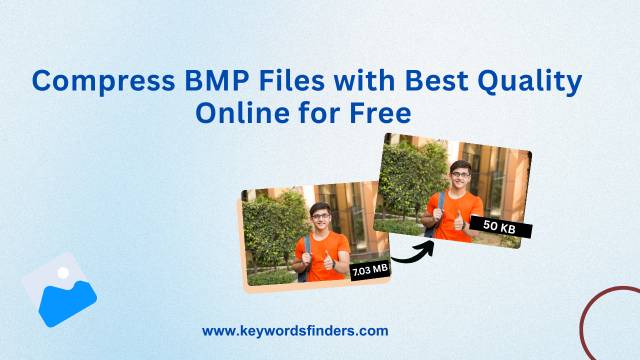
What Is a BMP File Compressor?
A BMP File Compressor is an online utility tool that helps reduce BMP image file size while maintaining good visual quality. BMP images usually contain uncompressed image data, which makes their file sizes larger compared to formats like JPG or WEBP. Compressing BMP files helps improve storage efficiency, upload speed, and file sharing performance across websites and devices.
Why Use a BMP Compressor Tool?
Large BMP files can take longer to upload, consume more storage space, and affect website performance. Using an online BMP compressor helps optimize image files for faster sharing, improved website loading speed, cloud storage management, and smoother digital workflows without installing software.
Benefits of Using BMP File Compressor
Faster File Sharing
Compressed BMP files are easier to upload, send through email, and share online.
Better Storage Optimization
Smaller BMP files help save storage space on devices, servers, and cloud platforms.
Easy Online Compression
Compress BMP images directly from your browser without installing software.
Secure File Processing
Uploaded BMP files are processed securely and are not permanently stored.
FAQs – BMP File Compressor
KeywordsFinders offers the best BMP compressor with fast, secure, and high-quality compression for all types of BMP files.
Yes, you can compress large BMP files without quality loss using our fast and reliable tool.
Absolutely! It’s a free BMP compressor with no hidden charges.
Just drag your files into the upload area, and the tool handles the rest.
Yes, our tool uses high quality BMP compression techniques to maintain image clarity.