Do you want to Convert HEIC to JPG then this article is very good for all of you. With keywordsfinders you can convert HEIC image to JPG instantly and the size of the image also gets reduced. So let’s see How to Convert HEIC to JPG Without Losing Quality.
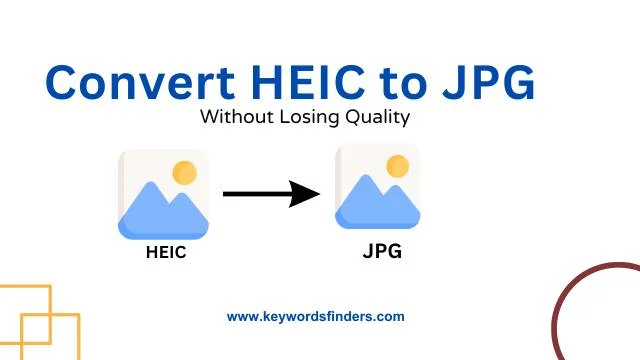
HEIC (High Efficiency Image Coding) is a new image format used mainly by Apple devices like iPhones and iPads. It saves photos in smaller file sizes while keeping good image quality. But the problem is that HEIC is not supported by many old devices, apps, and websites. That’s why people often need to convert HEIC images to JPG, which works everywhere. JPG is a common format that can be opened, edited, and shared easily.
How to Convert HEIC to JPG ?
step 1. First go to the google and search keywordsfinders
step 2. and then go the Compress HEIC webpage. OR Click Here
step 3. select HEIC images.
step 4. And finally click Download.